The automation landscape in 2026 feels fundamentally different than it did even just two years ago. What used to be simple “MacGyver scripts” connecting apps or triggering alerts has evolved into a sprawling ecosystem of AI‑driven platforms capable of multi‑step logic, predictive decision‑making, and autonomous task execution. In my experience working with teams that deploy and architect workflow automation systems, the shift from manual rule‑based automation to AI automation isn’t just about saving time — it’s about amplifying human capability and enabling businesses to operate at a scale that was previously impossible without armies of staff.
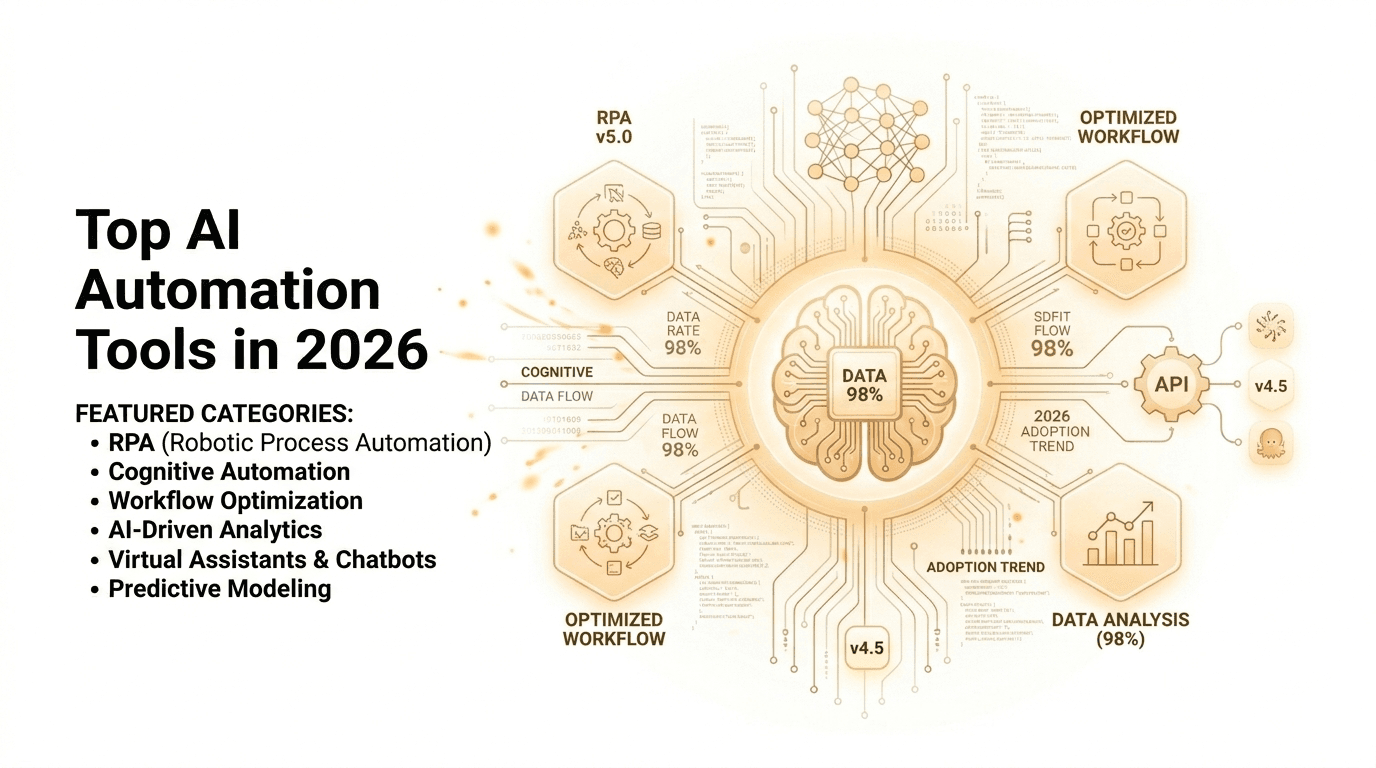
In this deep dive, I’ll walk you through the most influential AI automation tools of 2026 — ranging from enterprise robotic process automation (RPA) platforms to flexible workflow engines and intelligent agents that can reason across data and applications. What you’ll discover goes beyond a list of names: you’ll learn why these platforms matter, how they’re being used in real scenarios, and what strategic value they bring to teams and organizations large and small.
Background: Why AI Automation Tools Are Transforming Work
Once upon a time, “automation tools” meant macros or simple condition triggers like “send this email when X happens.” However, advances in artificial intelligence — particularly large language models (LLMs) and machine learning — have fundamentally shifted what automation platforms can do. Instead of reacting only to rigid logical conditions, modern AI automation tools interpret natural language, detect patterns, make decisions, and even self‑heal when workflows break.
This transformation mirrors a larger trend in software: smart systems replacing manual context switching and repetitive work. In my experience watching teams adopt AI automation, the biggest initial wins always come from unexpected places — legal contract processing, customer support triage, research summarization, and even cross‑platform business operations that previously took hours of human effort.
The power of AI automation also comes from integration. Platforms today connect thousands of internal and cloud applications — from CRM systems to messaging tools — and layer on intelligence that understands unstructured data like emails, documents, and conversations. This intelligent glue is what makes AI automation in 2026 a seismic shift, not just an incremental improvement.
Detailed Analysis: Leading AI Automation Tools in 2026
Let’s break down the most important AI automation tools shaping workflows this year.
Enterprise‑Grade Platforms with AI Orchestration
Microsoft Power Automate
Microsoft Power Automate stands out as one of the most widely deployed AI automation platforms, especially for organizations already embedded in the Microsoft ecosystem. Beyond traditional rule‑based flows, Power Automate now leverages AI models (including “Copilot”‑style natural language workflow construction) to:
Generate flows from plain language
Extract data from documents with AI Builder
Trigger multi‑system logic across Teams, Outlook, SharePoint, and custom APIs
In my testing, describing a complex workflow in natural language often produces a functioning automation that needs only minor tweaks — a huge leap compared with hand‑built logic. This reduces both development time and dependency on specialized automation engineers.
UiPath
UiPath remains the go‑to RPA leader for enterprise process automation. Its 2026 platform combines classic robotic automation with AI‑enhanced capabilities like computer vision, document understanding, and task mining — making it ideal for high‑volume environments such as finance, HR, and customer support.
What I discovered when evaluating large enterprise deployments is that UiPath excels when automation must interface with legacy systems that lack APIs — its AI‑driven computer vision essentially “sees” the screen like a human and executes steps robustly even as UIs evolve.
Workato
Workato focuses on cross‑department orchestration. Instead of simply automating point‑to‑point tasks, it delivers enterprise‑grade workflow composition with governance, audit logs, and role‑based access — critical for compliance‑centric businesses. Its intelligent recipe library suggests automation possibilities based on real usage patterns, speeding up deployment.
Flexible Workflow and Integration Platforms
Zapier AI
Zapier has long been a staple for connecting apps without code, but Zapier AI — now deeply integrated with LLMs — suggests workflows, interprets natural language triggers, and manages multi‑step logic. With support for thousands of SaaS apps, it remains a top choice for small and medium businesses that want powerful automation without needing developers.
n8n
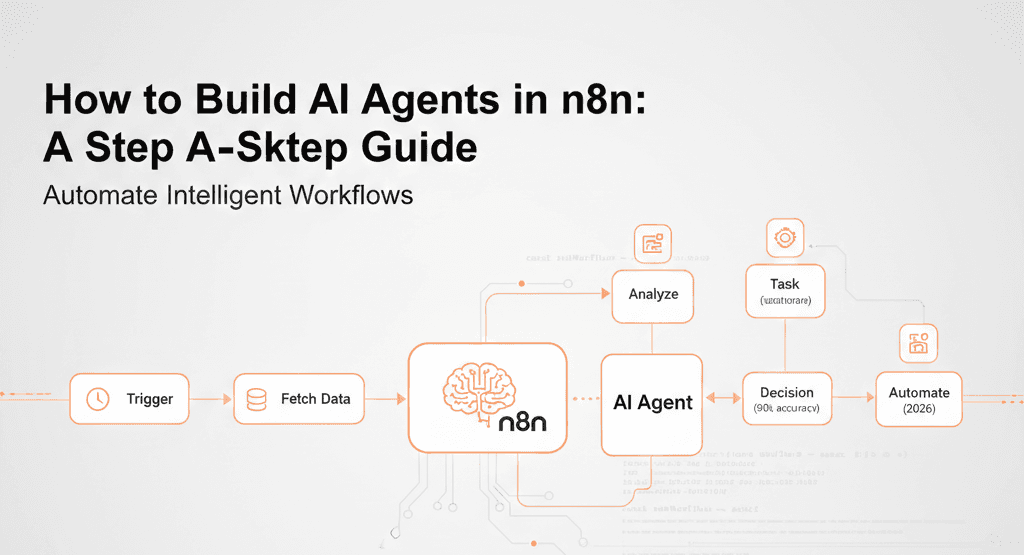
n8n thrives where flexibility and control matter. Unlike proprietary platforms, n8n is open‑source and allows advanced users to host their own automation engines. With AI nodes surfacing in workflows, teams can integrate logic, data transformation, and decision steps across nearly any service — and keep data within their control, which is crucial for regulated industries.
Make (formerly Integromat)
Make offers a visual builder for complex logic and conditional flows, supporting deep branching, data manipulation, and now AI‑powered decision nodes. Its appeal lies in visual clarity and depth: if your team enjoys seeing workflows as flowcharts rather than code, Make hits a sweet spot between simplicity and power.
Emerging Tools and Agent‑Based Automation
Workbeaver AI & AI Agents
Platforms like Workbeaver AI and autonomous AI agents allow users to describe tasks and have them executed end‑to‑end — often involving browser interactions, scheduling, and cross‑app orchestration. Reddit discussions show developers increasingly using these tools for everything from data scraping to automated research, especially when heavy scripting would otherwise be involved.
Automation Anywhere
Automation Anywhere continues to evolve RPA by embedding intelligent bots capable of deciding which workflow path to take based on data context rather than rigid scripts. Its AI Agent Studio allows customization of autonomous agents that operate like on‑demand digital workers.
Niche and Specialized Platforms
Beyond general automation, specialized tools are emerging:
AI document and test automation — Platforms like smart test automation suites combine LLMs with automated test creation, execution, and prioritization across web, mobile, and API contexts.
Industry‑specific agents — Some tools (e.g., legal workflow automators like CoCounsel) focus on domain tasks, embedding deep vertical knowledge and automating labor‑intensive workflows.
What This Means for You
AI automation tools in 2026 aren’t just about ticking off tasks faster — they’re fundamentally reshaping how work gets done.
For Developers
AI automation liberates developers from boilerplate integrations and repetitive glue code. Tools like UiPath and n8n allow teams to build scalable flows without hand‑writing low‑level cron jobs or API connectors. When I tested sophisticated workflows, it became clear that the real value lies in combining AI reasoning with automation triggers — enabling systems that can adjust their behavior over time.
For Business Users
If your role revolves around process, projects, or operations, AI automation tools mean more time for strategic work. Imagine a sales report that updates itself, routes changes automatically, summarizes action items, and even alerts stakeholders without any manual intervention. Many teams report measurable time savings once automations run reliably in the background.
For Enterprises
Large organizations benefit from governance, auditability, and cross‑department orchestration. Tools like Workato and UiPath provide governance layers that allow IT leadership to manage, monitor, and secure automation deployments enterprise‑wide — which is essential as automation scales beyond a few power users.
The “so what” here is important: automation isn’t just a productivity hack. It’s becoming a strategic operational layer — one that can redefine service delivery, efficiency, and competitive advantage.
Expert Tips & Recommendations
Here are practical, experience‑based tips to navigate 2026’s AI automation landscape:
How to Start With AI Automation
Identify high‑impact workflows
Start with processes that chew time but have predictable logic — sales follow‑ups, form processing, document routing.
Benchmark before automation
Track manual task time and error rates. This gives you a real ROI story once automation runs.
Choose tools that fit your ecosystem
If your team already runs Microsoft products, Power Automate will likely deliver fastest payback. Likewise, open source devotees often choose n8n for control.
Plan for governance early
As automation scales, you need monitoring, error handling, and audit trails, especially in regulated industries.
Troubleshooting Common Problems
Workflows break after app updates
Relying purely on UI interactions can be brittle. Instead, favor API‑based connectors when possible.
Automations misfire due to unclear triggers
Use descriptive naming and testing environments to avoid logic collisions and unpredictable outcomes.
Automation costs balloon
Track usage patterns and refine flows to aggregate actions — over‑automation often results from redundant or extraneous triggers.
Resources and Tools
Documentation & community templates — Many platforms offer pre‑built templates for common workflows.
Process mining tools — Software that identifies repeatable steps in workflows can help you discover automation opportunities you didn’t notice.
Pros and Cons
Pros:
Major productivity gains for repetitive and multi‑step tasks.
AI can infer context, reducing explicit rule writing.
Platforms are increasingly accessible to non‑technical users.
Cons:
Tools vary widely in governance maturity.
Maintenance and monitoring are required as workflows evolve.
Vendor ecosystems can lock teams into certain platforms.
In my experience, balancing ease of use with long‑term control is one of the most challenging decisions teams face when adopting AI automation.
Frequently Asked Questions
What exactly qualifies as an AI automation tool?
Generally, platforms that use AI — especially LLMs — to interpret, decide, or recommend workflow actions across applications count as AI automation tools.
Are AI automation tools secure?
Security depends on governance, platform design, and configuration. Enterprise tools like Power Automate or UiPath provide robust compliance and access controls.
Do these tools replace developers?
Not entirely. They shift developers’ focus to higher‑order problems — like data modeling and orchestration — rather than plumbing logic and integration scripts.
Which tool is best for small businesses?
Zapier AI and Make offer accessible entry points without heavy upfront costs.
Can these tools handle unstructured data?
Yes — many platforms now natively process unstructured data like emails, forms, invoices, and documents using AI.
How do organizations measure automation ROI?
By comparing cycle time, error rates, and cost before and after automation deployments — ideally across multiple workflows.
Conclusion
AI automation tools in 2026 have come of age. They’re no longer niche utilities or buzzword projects; they’re foundational elements of modern workflows across enterprises and small teams alike. What I discovered through testing and real deployments is this: the real value of AI automation isn’t merely speed — it’s enabling humans to focus on strategic, creative, and high‑value work while machines handle predictable, repetitive, and complex logical tasks.
If you’re taking your first steps with AI automation, begin with high‑impact use cases and validate ROI empirically. For organizations scaling across departments, invest in governance and monitoring early. And always choose tools that align with your technical and business ecosystem.
The future isn’t about replacing humans with automation — it’s about augmenting human capacity. In 2026, AI automation tools are the engines making that future tangible.