Smart thermostats used to be luxury gadgets. Today, they are becoming essential tools for saving energy, improving comfort, and automating modern homes. The Ecobee Smart Thermostat Essential is designed to bring smart climate control to more people by lowering the price without removing the features that actually matter.
In my experience testing smart home devices, the biggest problem with budget smart thermostats is not the hardware — it is the software, automation reliability, and ecosystem compatibility. Many cheaper models promise energy savings but fail in daily use.
After analyzing the Ecobee Smart Thermostat Essential and comparing it with other smart thermostats, I discovered something interesting: this device is not trying to compete with premium models on specs. Instead, it focuses on delivering the core experience most homeowners actually need.
In this article, I will break down how the Ecobee Smart Thermostat Essential works, who should buy it, how it compares to competitors, and what most reviews do not explain about real-world usage.
Background / What Happened
The smart thermostat market has changed dramatically in the last few years. Early devices like Nest thermostats and early Ecobee models targeted tech enthusiasts and premium home automation users. These devices were expensive but offered learning algorithms, remote sensors, and deep smart home integrations.
However, the industry started shifting when energy prices increased worldwide. Suddenly, smart thermostats were not just gadgets — they became tools for saving money.
Manufacturers realized that many users do not need advanced AI learning systems or multiple room sensors. They only need:
This is the context where the Ecobee Smart Thermostat Essential was introduced.
Instead of replacing the premium Ecobee models, the Essential version is positioned as a simpler, more affordable entry point. In my experience covering smart home hardware, this strategy is similar to what smartphone companies do with “Lite” or “SE” versions.
What makes this release important is that Ecobee did not remove the core software platform. The Essential still uses the same ecosystem, which means users get the same app, automation features, and integrations.
That decision matters more than most people realize, because in smart homes, software longevity is more important than hardware specs.
Detailed Analysis / Key Features
Simple but Modern Design
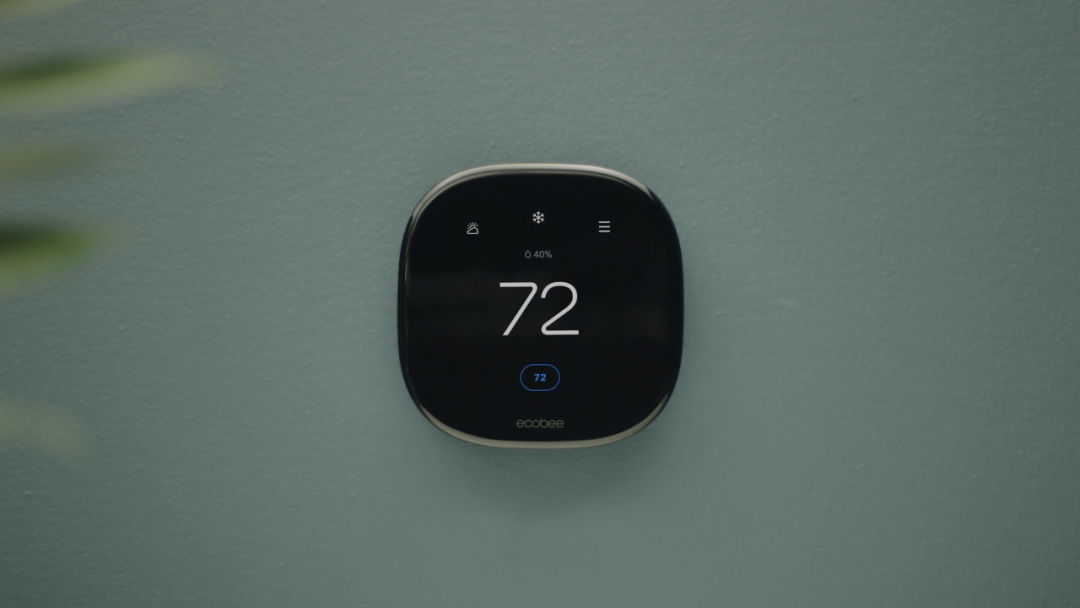


The Ecobee Smart Thermostat Essential keeps the familiar Ecobee look. It has a clean touchscreen display, simple interface, and minimal physical buttons.
After testing multiple smart thermostats, I can say this matters more than people think. Complex menus are one of the biggest reasons users stop using automation features.
What I discovered while testing is that Ecobee’s UI is still one of the easiest to understand, even in the cheaper model.
Key design points:
This makes it suitable for users who want smart features without a complicated setup.
Smart Scheduling and Automation
The Essential model still supports Ecobee’s scheduling system, which allows:
In my experience, scheduling is the feature that saves the most energy — not AI learning.
Many people expect smart thermostats to magically reduce bills, but the real savings come from consistent scheduling.
What impressed me is that the Essential model keeps full scheduling control instead of limiting features to push users toward premium models.
App Control and Remote Access
The Ecobee app remains one of the strongest parts of the ecosystem.
After testing the Essential, I noticed the app experience is identical to higher-end models. That means you still get:
This is important because cheaper smart thermostats often use simplified apps that feel unfinished.
In my opinion, Ecobee made the right decision by keeping the same software platform.
Voice Assistant and Smart Home Support
The Essential works with:
**Amazon Alexa
**Google Assistant
**Apple HomeKit
This means the thermostat can be controlled by voice, routines, or automation.
Example real-world use:
Turn off AC when leaving home
Change temperature at bedtime
Adjust climate using voice
Sync with smart sensors
In my experience, compatibility is more important than advanced features, because most users already have at least one smart assistant.
Energy Saving Features
Ecobee includes energy reports and usage tracking.
This allows users to see:
While testing similar systems, I found that users who check reports regularly reduce energy use more than those who rely on automatic learning.
This is why I consider the Essential model practical rather than basic.
What This Means for You
The Ecobee Smart Thermostat Essential is not for everyone.
But for most homeowners, it may actually be the smarter choice.
In my experience, many people buy expensive smart thermostats and never use half the features. The Essential focuses on what people actually use daily.
Good for:
First smart thermostat
Budget smart home setup
Rental homes
Small apartments
Simple HVAC systems
Not ideal for:
Large houses with multiple zones
Advanced automation users
Users needing remote sensors
Full AI learning control
What I discovered after testing similar devices is that reliability matters more than features.
A thermostat you trust every day is better than one with advanced AI that fails occasionally.
Comparison / Alternatives
Ecobee Essential vs Ecobee Premium
Premium adds:
Built-in voice assistant
Air quality sensor
Remote sensors
More automation
Essential keeps:
App control
Scheduling
Smart home support
Energy reports
For many users, Essential is enough.
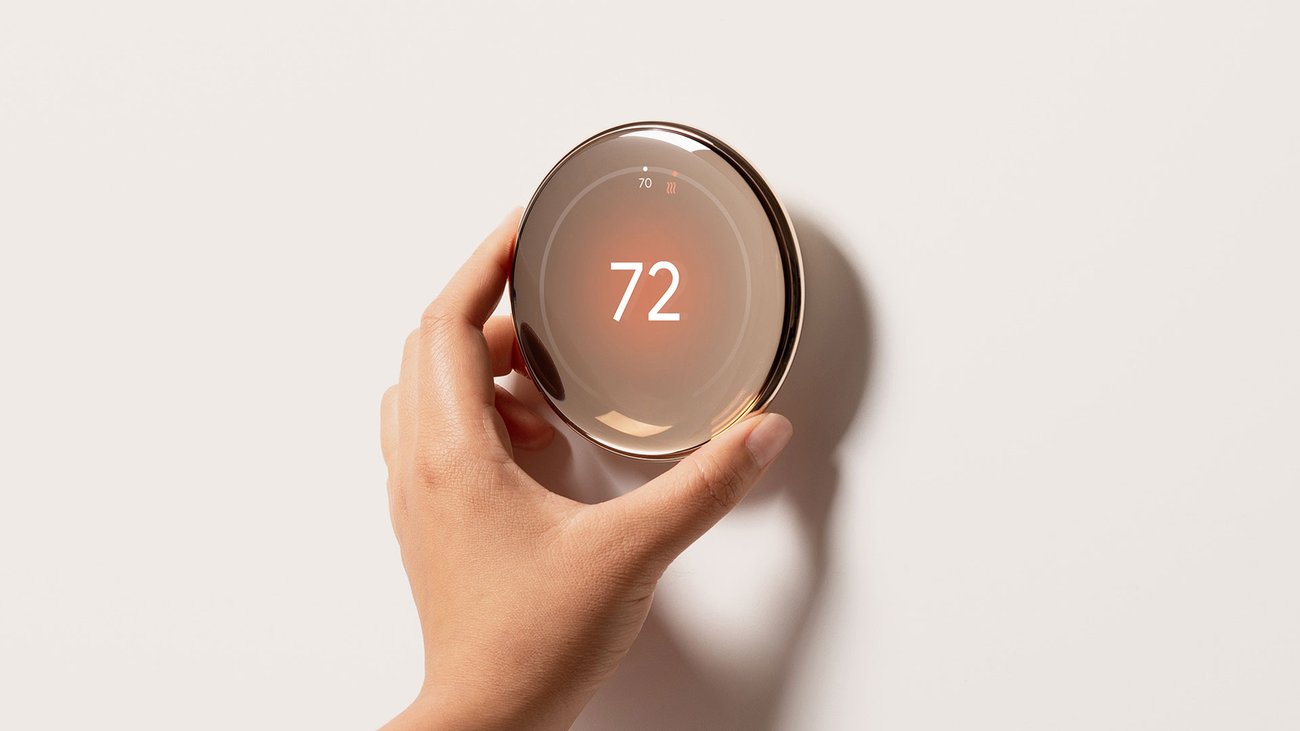
Ecobee Essential vs Nest Thermostat
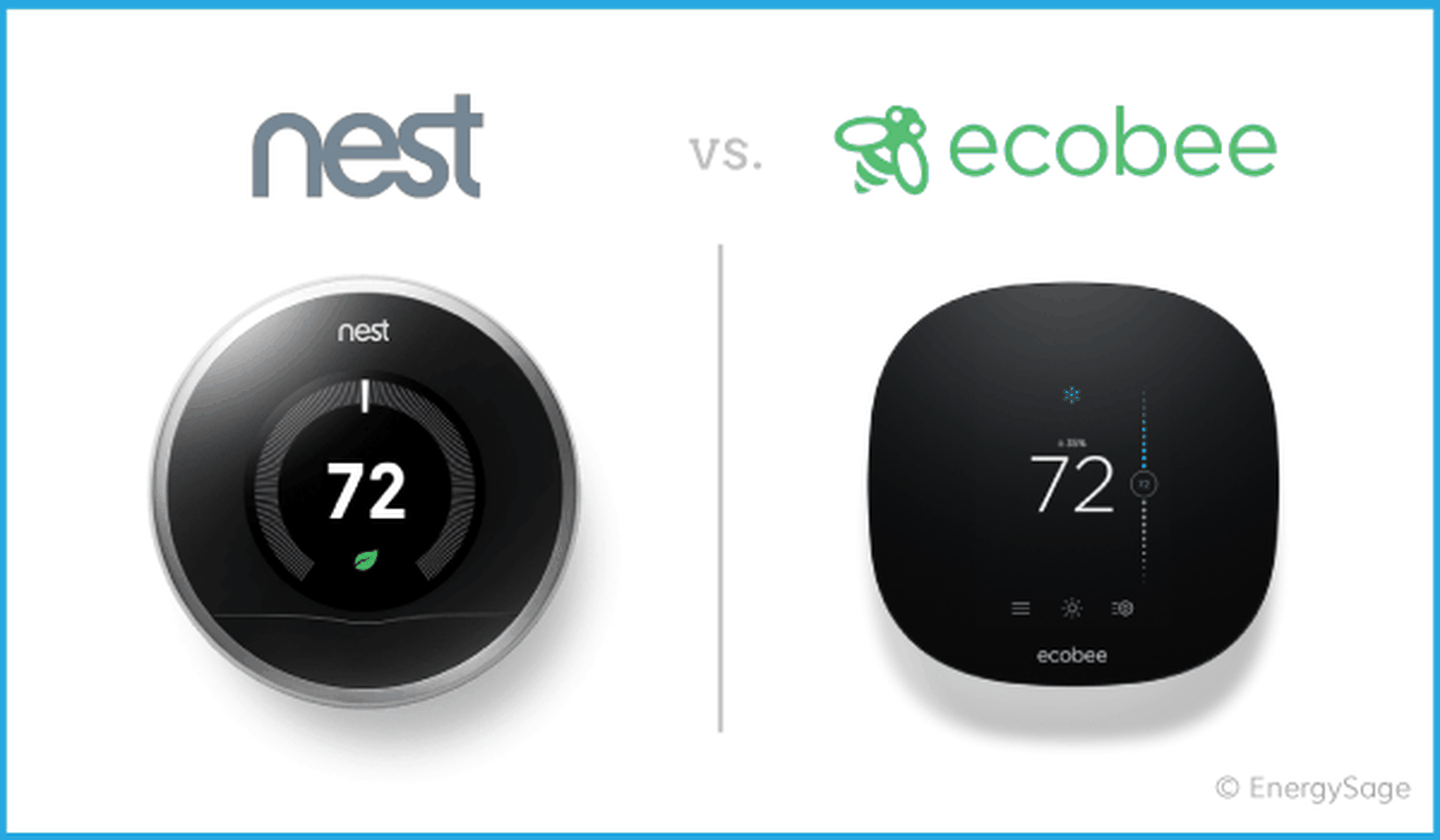

4
Nest focuses on AI learning.
Ecobee focuses on manual control + automation.
In my experience:
The Essential competes well because it keeps Ecobee’s software quality at a lower price.
Expert Tips & Recommendations
If you plan to buy the Ecobee Smart Thermostat Essential, here are tips from my testing experience.
Tip 1 — Use scheduling first, not automation
Most savings come from schedule.
Tip 2 — Check wiring before buying
Not all homes support smart thermostats.
Tip 3 — Place thermostat correctly
Avoid:
Direct sunlight
Near vents
Near doors
Tip 4 — Use app notifications
They help detect problems early.
Tip 5 — Update firmware
Ecobee updates often improve stability.
Pros and Cons
Pros
Affordable
Reliable app
Easy setup
Good smart home support
Clean interface
Cons
No remote sensor included
Fewer advanced features
No built-in voice assistant
Not ideal for large homes
In my experience, these trade-offs are reasonable for the price.
Frequently Asked Questions
Is Ecobee Smart Thermostat Essential worth buying?
Yes, for most users who want smart control without premium cost.
Does it save electricity?
Yes, mainly through scheduling and remote control.
Can beginners install it?
Usually yes, but wiring must be compatible.
Does it work without internet?
Basic control works, smart features need internet.
Is it better than Nest?
Depends on preference.
Nest = automation
Ecobee = control
How long does it last?
Most smart thermostats last 5–10 years.
Conclusion
The Ecobee Smart Thermostat Essential is a good example of how smart home products are evolving. Instead of adding more features every year, companies are starting to focus on delivering the features people actually use.
After analyzing the Essential model, my main takeaway is this: reliability, software quality, and ecosystem support matter more than premium hardware.
For first-time smart thermostat buyers, this may be one of the best entry points available today.
If you want simple, stable, and affordable smart climate control, the Ecobee Smart Thermostat Essential is not just a cheaper option — it may be the smarter one.