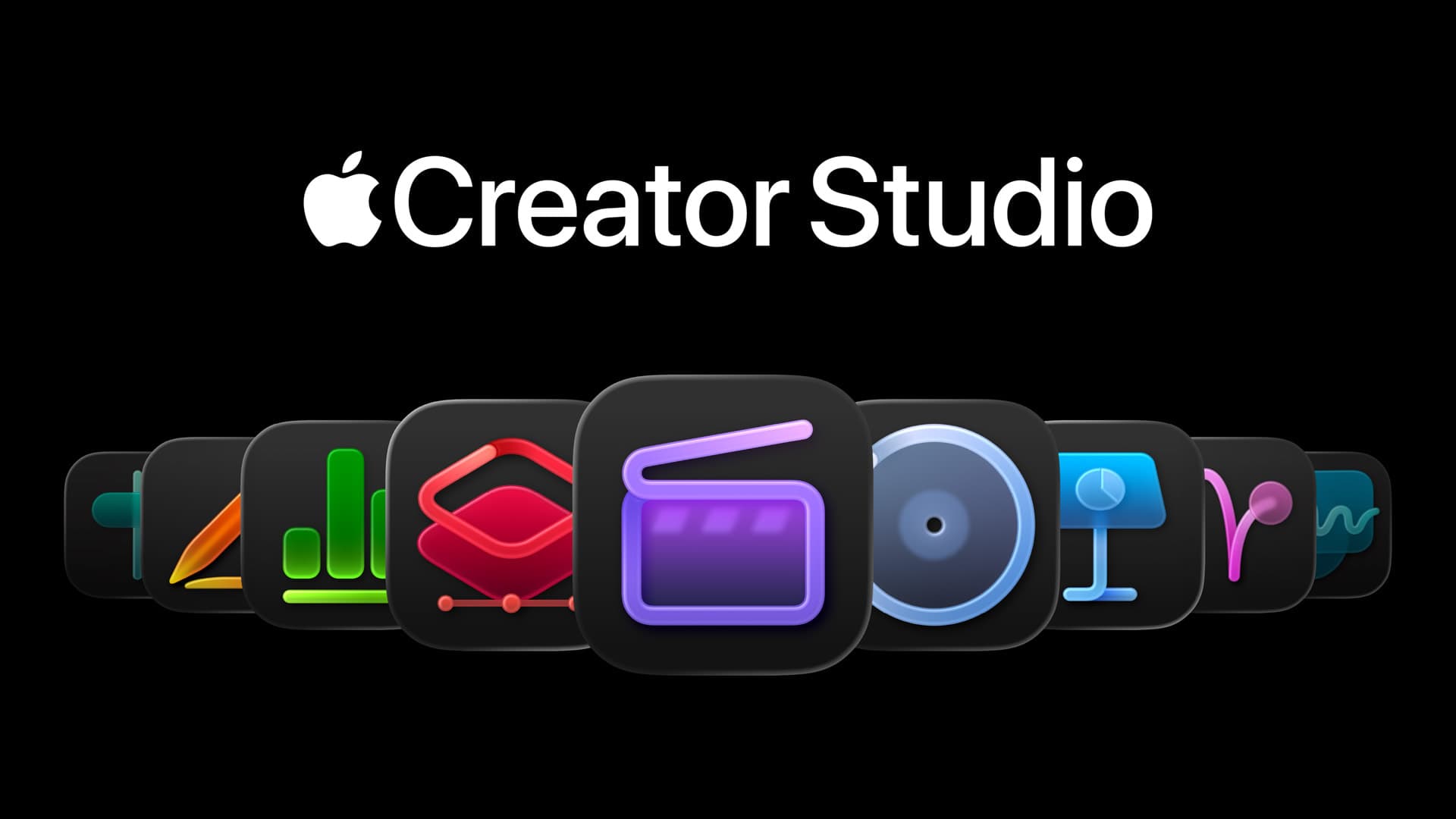
Innovation in the digital creative space often arrives as discrete features: a new filter, a faster export engine, or improved AI assistance. But with Apple Creator Studio, Apple has made a broader and more strategic move—one that signals not just incremental updates, but an attempt to rethink the creative software experience itself.
At its core, Creator Studio assembles Apple’s most powerful creative applications—video editing, audio production, motion graphics, and collaborative workflows—into a cohesive, integrated environment. Far from a simple app bundle, it represents Apple’s conviction that the future of creativity is not reactive and siloed, but connected, performance-optimized, and frictionless.
This analysis explores:
What makes Apple Creator Studio different from predecessors and competitors
Real-world use cases and who benefits most
Technical analysis of key features
Potential problems or limitations
Price-to-value assessment
Buying recommendations for different user profiles
What reviewers and experts are saying (with interpretation)
How Creator Studio fits into broader industry trends
What Makes Apple Creator Studio Different
1. Workflow Integration, Not Just App Aggregation
Classic creative suites deliver discrete tools (e.g., a video editor, a sound mixer) with limited interoperability. Apple Creator Studio is designed around end-to-end workflows:
Seamless asset sharing across apps
Unified media libraries and version histories
Cross-application live previews
Shared color palettes, animations, and audio profiles
Where traditional suites remain toolboxes, Creator Studio feels like a creative pipeline.
2. Hardware-Aware Optimization
Apple’s advantage has always been vertical integration—owning hardware, operating system, and software. Creator Studio maximizes:
Apple Silicon neural engines
Unified Memory architecture
Metal graphics acceleration
On-device GPU and AI accelerators
This produces:
Competitors often rely on generic cross-platform designs that cannot fully exploit hardware.
3. Privacy-Centered Intelligence
Unlike cloud-heavy AI models that process creative tasks externally, Apple emphasises on-device AI processing when possible, preserving user privacy while providing intelligent features such as:
This approach aligns with Apple’s broader privacy positioning but also demands careful balancing between local compute and cloud support.
4. Modular Yet Cohesive
Creator Studio isn’t monolithic. It supports:
This modular cohesion is rare: it allows simplified onboarding for beginners while preserving deep capabilities for pros.
Real-World Use Cases: Who Should Care
1. Independent Creators and YouTubers
Creator Studio offers a unified space to:
Edit long-form and short-form video
Mix soundtracks and voiceovers
Add motion graphics easily
Export platform-optimized assets (YouTube, TikTok, etc.)
Creators no longer juggle multiple apps or workflows, reducing bottlenecks.
2. Professional Filmmakers
For documentary editors, corporate video teams, and short-film creators, features like:
are significant. Apple’s ecosystem integration also makes it easy to pivot from rough edits to final deliverables.
3. Musicians and Audio Producers
The integration with Logic Pro and streamlined sound workflows enables:
This positions Creator Studio as a DAW-centric ecosystem without forcing rigid structures.
4. Designers and Motion Artists
For graphic and motion designers, integration between tools means:
motion templates that drive multiple assets
reusable animation presets
synchronized color and font libraries
This reduces repetitive tasks and increases creative focus.
5. Collaborative and Distributed Teams
Creator Studio supports:
shared libraries
version history
project access controls
cloud sync
This appeals to hybrid and remote workflows where asset coordination is often the biggest friction point.
Technical Analysis: Deep Dive into Key Features
1. Unified Asset Management
Rather than managing separate project files across multiple apps, Apple Creator Studio introduces a central media repository:
Shared clip libraries
Tagging and smart search
Versioned revisions
Uniform metadata
This system avoids inconsistent asset copies and broken links—common headaches in creative production.
2. AI-Assisted Workflow Enhancements
AI does not replace authorship. Instead, it amplifies it:
Apple’s approach is augmentative, strengthening productivity without overshadowing creative judgment.
3. Cross-App Live Previews
A key technical leap is the ability to preview changes across applications in real time. For example:
Video editors can preview linked motion graphics without re-export
Sound editors can audition mixes within the video timeline
Designers can see font/typography changes reflected instantly
This reduces context switching—one of the largest productivity killers in creative workflows.
4. Hardware Acceleration and Parallel Workloads
Apple’s custom chips are not just fast—they are architected for parallelism. Creator Studio uses:
GPU for rendering previews
Neural engines for AI tasks
Disk IO optimization for large media assets
These optimizations translate to:
5. Context-Aware Collaboration
Multi-user editing scenarios are supported at a system level:
This mirrors version control patterns from software engineering, but adapted to creative media.
Potential Problems or Limitations
1. Steep Learning Curve for Newcomers
While integration simplifies workflows, mastering multiple apps simultaneously can overwhelm beginners. Apple must balance power with discoverability.
2. Platform Lock-In
Creator Studio’s strength—deep integration with Apple Silicon and macOS–is also its limitation. Users tied to Windows, Linux, or cross-platform teams may find collaboration fragmented.
3. Dependence on Ecosystem Stability
Any systemic changes to:
iCloud sync
OS versions
Hardware revisions
could disrupt workflows more dramatically than in non-integrated toolchains.
4. Third-Party Plugin Limitations
Historically, Apple creative tools have been slower to embrace broad plugin ecosystems than competitors like Adobe. Some niche workflows may continue to demand external tools.
5. Cloud vs. Local AI Processing Tension
Apple’s privacy-centric on-device processing is a differentiator—but it may limit the scale of AI features compared to cloud-first models that leverage massive data and compute clusters.
Price-to-Value Assessment
Bundled Value Propositions
Creator Studio offers:
multiple professional-grade applications
seamless interoperability
performance unmatched on equivalent hardware
If priced as a subscription or application suite, its value emerges as:
Lower total cost of ownership than purchasing separate tools
Reduced reliance on cloud service fees
Higher productivity per hour worked
Hardware Requirements
To really unlock Creator Studio’s performance, users will benefit most from:
This can raise upfront hardware costs—but those costs should be weighed against long-term professional return.
From a cost-benefit perspective:
Buying Recommendations for Different User Types
1. Professional Studios and Agencies
Strongly Recommended.
Creator Studio replaces multiple disparate tools with a cohesive ecosystem—reducing friction and accelerating production pipelines.
2. Freelancers and Independent Creators
Highly Recommended.
Efficiency gains and integrated tools justify the investment, especially for output-oriented creators.
3. Hybrid or Remote Teams
Recommended with Reservations.
Effective if all collaborators use Apple devices, but mixed environments may limit real-time collaboration.
4. Casual Creators and Hobbyists
Consider Alternatives.
Standalone creative apps or simpler tools may suffice without the complexity and cost of a full Creator Studio ecosystem.
What Reviewers and Experts Are Saying—With Analysis
Across early expert impressions, a few consistent themes emerge:
Positive Reception
Performance gains are real, not incremental
Workflow coherence solves long-standing creative pains
AI assistance feels supportive rather than intrusive
Hardware support is outstanding on Apple Silicon
Constructive Criticism
Occasional missing features compared to legacy products
Fragmented plugin support
Cross-platform collaboration gaps
Expert Interpretation
The common thread is this: Creator Studio is not the most powerful single app in any category—yet—but it is the most seamless ecosystem experience available. Power users value coherence as much as raw features. While some specialist tools may still outpace parts of Creator Studio, very few can match integration depth.
How Creator Studio Fits into Broader Industry Trends
1. The Rise of Ecosystem-First Creativity
Software is no longer judged in isolation. Apple Creator Studio mirrors movements across other domains where ecosystem synergy—not individual app dominance—defines long-term value.
2. Hybrid AI Adoption
Apple’s model of on-device AI with selective cloud extension demonstrates a broader trend of privacy-forward intelligence—contrasted with cloud-only AI ecosystems.
3. Content Workflows Are Becoming Real-Time
Creators now expect:
Interactive previews
Instant feedback
Multi-app responsiveness
Creator Studio’s tight integration anticipates these workflow norms.
4. Professional Tools Becoming Accessible
Historically, professional creativity demanded:
expensive software
steep learning curves
fragmented toolchains
Creator Studio democratizes access without sacrificing quality.
Final Assessment: A Platform, Not Just a Product
Apple Creator Studio is not a single app launch—it is a strategic infrastructure layer for creativity in the Apple ecosystem. It acknowledges that modern creative work is:
Rather than chasing the raw specs arms race or attempting to subsume every niche tool, Apple has chosen integration first: real-world workflows over isolated feature lists.
For many creators—especially those already in the Apple ecosystem—Creator Studio represents a pivot from tool-centric productivity to workflow-centric creativity.
It doesn’t just help you do creative work—it reshapes how you do it.