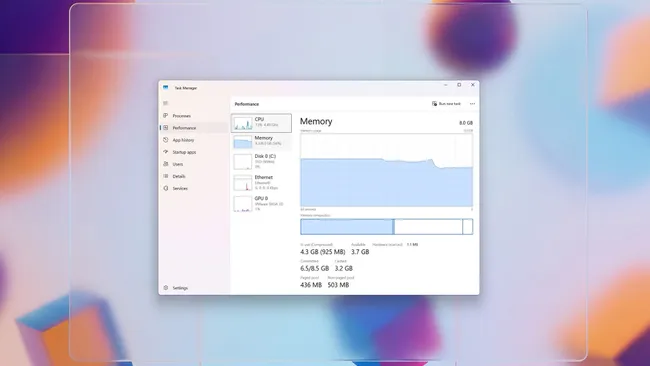
On Windows 11, you can reduce the system memory footprint to improve overall responsiveness, stability, and multitasking performance. In this guide, I will show you the most effective ways to do exactly that.
Although the operating system is designed to manage RAM efficiently, background services, startup apps, visual effects, and modern software workloads can quickly consume available memory. When RAM usage is high, you may experience slower app launches, frequent stuttering, delayed task switching, or excessive drive activity due to paging.
At the same time, with memory prices fluctuating and often trending higher, upgrading RAM is not always a practical option. Fortunately, there are several proven ways to optimize Windows 11 to use less memory without sacrificing usability or core features.
These adjustments focus on controlling which apps run at startup, limiting unnecessary background processes, fine-tuning system settings, and making smarter choices about how applications use RAM. The goal is not to strip down the operating system, but to reclaim wasted memory so your PC runs more smoothly during everyday tasks such as web browsing, productivity work, light creative workloads, and even gaming.
In this how-to guide, I will walk you through practical steps to minimize memory usage on your Windows 11 computer.
In this set of instructions, I'll be focusing on managing system resources, uninstalling unnecessary apps, applying system and driver updates, controlling the memory usage of the web browser, performing a full malware scan, and using features like the Xbox Full Screen experience and the Microsoft PC Manager tool.
Adjust system settings to minimize memory consumption
To begin, you can prevent the system from loading certain applications during startup. You can also control background process and system services.
Disable startup apps
To prevent certain apps from running at startup to minimize RAM usage, use these steps:
Open Settings.
Click on Apps.
Click the Startup page on the right side.
Select the "Startup impact" option from the "Sort by" option.
Turn off the toggle switch for apps impacting memory usage.