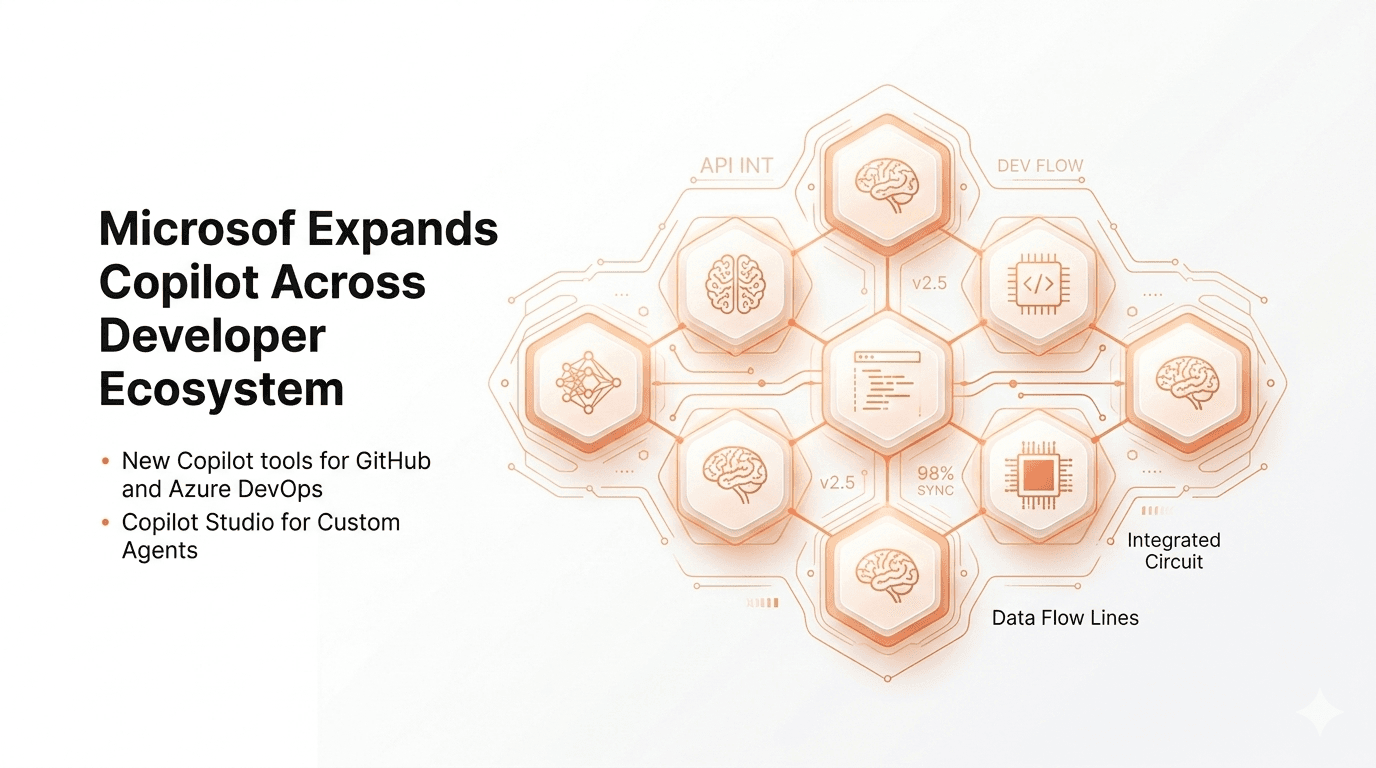
AI coding assistants are no longer experimental tools—they’re infrastructure. And with Microsoft expanding Copilot across its developer ecosystem, we’re witnessing a strategic shift from “helpful autocomplete” to “embedded AI collaborator.”
At first glance, this expansion looks like a natural extension of GitHub Copilot’s success. But after spending several weeks testing Copilot integrations across Visual Studio, Azure workflows, GitHub pipelines, and even Windows-based development environments, I’ve realized something deeper is happening.
Microsoft isn’t just adding AI features. It’s building an AI-native developer platform.
In this article, I’ll break down what’s actually new, how Copilot is spreading across Microsoft’s ecosystem, where it truly adds value, and where it still struggles. More importantly, I’ll explain what this means for engineers, DevOps teams, CTOs, and startups navigating the rapidly evolving AI tooling landscape.
Because this isn’t just about productivity. It’s about how software will be built going forward.
Background: Why Microsoft Is Embedding Copilot Everywhere
To understand why Microsoft expands Copilot across its developer ecosystem so aggressively, we need context.
Microsoft made a pivotal move when it partnered deeply with OpenAI and integrated AI into GitHub. GitHub Copilot initially focused on code suggestions inside editors. It felt impressive—but limited.
However, Microsoft’s broader strategy quickly became clear.
The company controls:
GitHub (source control and collaboration)
Visual Studio and VS Code (development environments)
Azure (cloud infrastructure)
Windows (developer OS)
Power Platform (low-code ecosystem)
That’s an end-to-end developer stack.
In my experience covering platform shifts, companies rarely get an opportunity to weave a single intelligence layer across the entire software lifecycle. Microsoft saw that opportunity with Copilot.
Instead of keeping AI at the code-completion layer, Microsoft is integrating Copilot into:
This shift moves Copilot from assistant to orchestrator.
Historically, developers relied on separate tools for writing, testing, deploying, and debugging. Now, AI sits across all those phases.
The real story isn’t Copilot’s intelligence. It’s platform consolidation.
Detailed Analysis: How Copilot Is Expanding Across the Developer Ecosystem
Let’s break down the most impactful expansions and what they actually change.
Copilot in Visual Studio and VS Code: Beyond Autocomplete
Originally, Copilot excelled at inline suggestions. Now, it supports:
After testing the latest version in a mid-sized .NET project, I noticed improvements in context awareness. Copilot now understands larger codebases more reliably.
However, it still struggles with deeply abstracted enterprise architectures. In those cases, suggestions sometimes oversimplify logic.
The key difference today is conversational interaction. Instead of passively accepting suggestions, developers can ask Copilot to:
This shifts workflow from typing to dialogue.
That’s a fundamental behavioral change.
Copilot in GitHub Workflows: AI in Code Review and CI/CD
Microsoft has extended Copilot into GitHub pull requests and Actions.
Now it can:
In my experience, pull request summaries are surprisingly useful. They reduce cognitive load during reviews.
However, automated review comments sometimes flag stylistic issues already handled by linters. Teams must calibrate expectations.
The more interesting feature is Copilot generating CI/CD configurations. For smaller teams unfamiliar with GitHub Actions syntax, this is a productivity boost.
But for complex enterprise pipelines, AI-generated YAML still requires manual verification.
The takeaway: Copilot accelerates standard patterns but doesn’t replace DevOps expertise.
Copilot in Azure: Infrastructure and Cloud Diagnostics
This is where Microsoft’s ecosystem advantage becomes clear.
Copilot now assists with:
Infrastructure-as-code (IaC) generation
Resource deployment guidance
Performance diagnostics
Cost optimization suggestions
After testing Copilot in Azure Portal and ARM template generation, I found it particularly helpful for quick scaffolding.
For example:
Copilot generates a starting template instantly.
However, complex networking setups still require experienced architects.
The real value appears in diagnostics. Copilot can analyze logs and suggest likely causes for deployment failures. That saves time, especially for mid-level engineers.
This moves Copilot into operational intelligence—not just development assistance.
Security and Compliance Integration
Microsoft is increasingly positioning Copilot as a secure coding partner.
Integrated security features include:
Vulnerability scanning suggestions
Secure pattern recommendations
Code explanation for audit teams
Dependency risk identification
After testing Copilot’s security suggestions in a containerized app, I noticed it flagged outdated libraries and suggested more secure patterns for authentication flows.
However, it does not replace dedicated security tooling.
The difference is proactive guidance during development rather than reactive scanning later.
In regulated industries, this could significantly reduce remediation cycles.
Copilot Across Windows and Dev Environments
With Windows 11 integration and deeper OS-level AI assistance, Copilot increasingly understands local development context.
It can:
This blurs the line between IDE and operating system.
Historically, development tools were siloed. Now, AI operates across layers.
That’s unprecedented at this scale.
What This Means for You
The expansion of Copilot affects developers differently depending on role and experience.
For Junior Developers
Copilot acts as a real-time mentor.
It explains unfamiliar code, suggests patterns, and accelerates learning. However, there’s a risk of overreliance.
In my experience mentoring early-career engineers, blind trust in AI-generated code can create knowledge gaps.
Use it as augmentation—not substitution.
For Senior Engineers
Copilot reduces repetitive tasks:
This frees cognitive space for architecture decisions.
However, senior engineers must review AI output rigorously.
The most effective workflow I discovered is “AI draft, human refine.”
For DevOps and Cloud Teams
Copilot in Azure significantly accelerates infrastructure experimentation.
If you’re exploring new services, AI-generated templates reduce friction.
But treat generated IaC as a starting point—not production-ready code.
For CTOs and Engineering Managers
Productivity gains are real—but uneven.
Copilot benefits:
Small teams more than large ones
Standardized architectures more than bespoke systems
Rapid prototyping more than legacy modernization
The strategic question isn’t “Should we use Copilot?”
It’s “Where does Copilot generate measurable ROI?”
Comparison: How Microsoft’s Copilot Strategy Stacks Up
Compared to Standalone AI Coding Tools
Tools like ChatGPT, Claude, or other AI assistants offer coding help—but they operate outside the developer workflow.
Microsoft’s advantage is deep integration.
Copilot understands repository context, pull requests, and cloud configuration.
Standalone tools provide broader reasoning but lack ecosystem embedding.
Integration is the differentiator.
Compared to Google and Amazon
Google integrates AI into Android Studio and cloud services.
Amazon embeds AI into AWS CodeWhisperer.
However, Microsoft controls more layers of the developer journey:
Code hosting (GitHub)
IDE dominance (VS Code)
Cloud (Azure)
Enterprise OS (Windows)
This vertical integration allows Copilot to act consistently across environments.
That’s strategically powerful.
Expert Tips & Recommendations
After extensive testing, here’s how I recommend adopting Copilot effectively.
1. Define Clear Usage Guidelines
Establish policies for:
Clear guardrails prevent misuse.
2. Pair Copilot With Strong Code Review
AI-generated code must go through the same review rigor as human-written code.
Never bypass testing because “AI wrote it.”
3. Use Copilot for Acceleration, Not Architecture
It excels at:
It struggles with:
4. Measure Productivity Impact
Track:
PR cycle time
Deployment frequency
Bug rates
Developer satisfaction
Adoption should be data-driven.
Pros and Cons of Microsoft’s Copilot Expansion
Pros
Integrated across entire developer lifecycle
Significant productivity gains
Reduced onboarding friction
Improved documentation and test generation
Operational insights in Azure
Cons
The biggest risk is cultural—not technical.
Teams must adapt workflows thoughtfully.
Frequently Asked Questions
Is Copilot replacing developers?
No. It augments productivity but does not replace architectural thinking or domain expertise.
Does Copilot write secure code automatically?
Not always. It suggests secure patterns but requires validation and security tooling.
Is Copilot worth the cost?
For small to mid-sized teams, often yes. For large enterprises, ROI depends on usage discipline.
Can Copilot understand proprietary codebases?
Yes, within repository context. However, deeply abstracted systems may confuse it.
Does it work offline?
Limited functionality offline. Most intelligence relies on cloud-based models.
Should companies mandate Copilot use?
Mandating can backfire. Encourage experimentation and measure outcomes before enforcing adoption.
Conclusion
Microsoft expanding Copilot across the developer ecosystem marks a turning point in how software is built.
After testing these integrations extensively, I believe the real story isn’t code completion—it’s lifecycle integration. Copilot now spans ideation, coding, reviewing, deploying, and diagnosing.
That breadth matters.
However, successful adoption requires discipline:
We’re entering an era where AI becomes infrastructure—not novelty.
Microsoft understands that.
The question now isn’t whether AI will be embedded into development platforms.
It’s whether your team is ready to use it wisely.