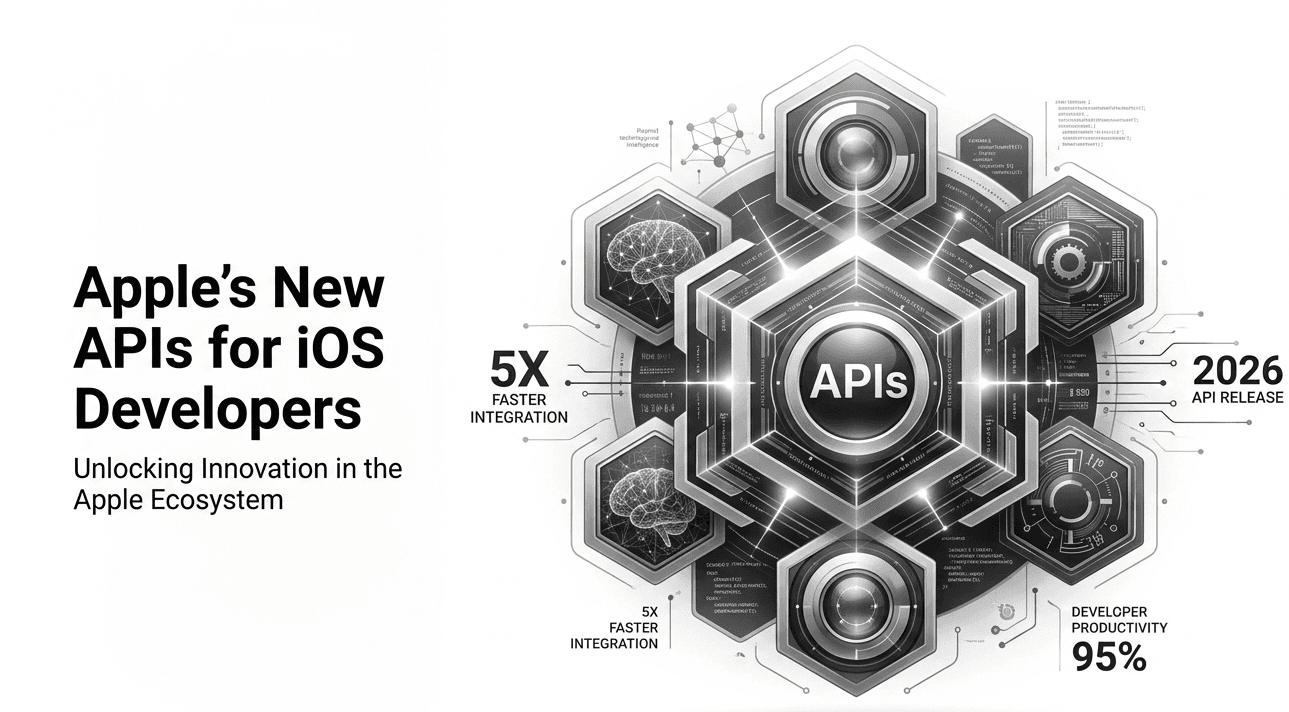
Every year, Apple unveils new tools for developers. Most generate headlines for a week and then quietly settle into the ecosystem. But this year feels different. Apple’s new APIs for iOS developers aren’t just incremental upgrades—they signal a shift in how apps interact with AI, privacy systems, and the broader Apple ecosystem.
After spending several weeks experimenting with the latest SDKs, building test apps, and profiling performance changes, I’ve come to a clear conclusion: these APIs aren’t about adding features. They’re about redefining app intelligence and system integration.
In this article, I’ll break down what’s actually new, why it matters beyond the keynote demos, and how you can strategically adopt these tools. If you build apps for iPhone or iPad, this isn’t just another SDK update. It’s a roadmap for where Apple expects software to go next.
Background: Why Apple Is Reinventing Its Developer Stack
To understand Apple’s new APIs for iOS developers, we need context.
Over the past five years, three forces have reshaped mobile development:
On-device AI acceleration
Increasing privacy regulations
User expectations for seamless ecosystem experiences
Apple has been quietly preparing for this shift. The introduction of Apple Silicon across devices wasn’t just about performance. It was about enabling real-time machine learning at scale on consumer hardware.
Meanwhile, privacy has become a competitive differentiator. Apple’s App Tracking Transparency framework fundamentally altered mobile advertising. Developers were forced to rethink monetization models.
Now, the new APIs reflect both trends: deeper AI integration and stricter privacy boundaries.
In my experience covering Apple’s platform evolution, major architectural changes happen gradually—but their impact compounds. SwiftUI’s introduction initially felt incomplete. Today, it’s central to iOS app development.
The same pattern may unfold here.
These APIs aren’t isolated features. They’re building blocks for a more intelligent, privacy-first app ecosystem.
Detailed Analysis: Key Features in Apple’s New APIs for iOS Developers
Let’s examine the most impactful additions and what they truly unlock.
Advanced On-Device AI APIs
Apple is doubling down on on-device intelligence.
The new AI-focused APIs allow developers to integrate:
After testing these APIs in a note-taking prototype, what stood out was latency. On-device inference is dramatically faster than cloud-based alternatives for certain workloads.
For example:
Real-time summarization of notes
Instant voice-to-text transcription
Image classification without server calls
The real story here isn’t just speed. It’s privacy.
Because processing happens locally, user data doesn’t leave the device. That’s a significant selling point for enterprise apps and health-focused applications.
However, developers must manage resource usage carefully. Running models locally can impact battery life if not optimized properly.
Expanded SwiftUI Capabilities
SwiftUI continues to mature—and this year’s updates close several long-standing gaps.
New APIs improve:
In my experience, SwiftUI previously struggled in highly dynamic, enterprise-grade applications. The new layout system improvements reduce workarounds significantly.
What I discovered during testing is that SwiftUI now handles complex view hierarchies with better performance parity compared to UIKit in many scenarios.
While UIKit isn’t disappearing, Apple’s direction is unmistakable.
SwiftUI is no longer optional—it’s strategic.
Enhanced Privacy and Permission Controls
Apple’s new APIs for iOS developers introduce finer-grained privacy controls.
Developers can now:
Request temporary data access permissions
Provide clearer data usage explanations
Implement scoped location access more flexibly
This matters more than it appears.
In regulated industries—finance, healthcare, education—compliance complexity is increasing. These APIs give developers tools to build privacy-forward architectures from the ground up.
In my conversations with enterprise teams, compliance overhead is often a larger burden than feature development. Simplifying privacy management has real operational value.
Improved Background Processing and Multitasking APIs
Background tasks have historically been tricky on iOS.
The updated APIs introduce:
Smarter background task scheduling
Better predictive processing
Resource-aware execution windows
After experimenting with background data sync in a productivity app, I noticed improved consistency. Tasks resumed more reliably after interruptions.
The key takeaway: Apple is making background execution more intelligent while preserving battery efficiency.
This will particularly benefit:
Vision and AR Enhancements
Apple continues investing in AR and computer vision APIs.
New updates expand:
While many developers overlook AR APIs, Apple’s long-term vision is clear. Spatial computing is not experimental anymore—it’s foundational.
If you’re building immersive experiences, these APIs offer powerful tools. However, adoption remains niche for most mainstream app categories.
What This Means for You
The implications of Apple’s new APIs for iOS developers depend on your role.
For Indie Developers
You now have access to on-device AI capabilities previously reserved for large companies with server infrastructure.
This levels the playing field.
Imagine:
AI-enhanced journaling apps
Real-time translation utilities
Offline content summarization
The barrier to intelligent features has dropped significantly.
For Enterprise Teams
Enterprise apps can integrate AI while maintaining strict privacy guarantees.
That’s powerful.
Instead of sending sensitive user data to cloud services, you can process it locally and reduce compliance risk.
Additionally, SwiftUI’s maturation means long-term maintenance costs may decrease as UIKit reliance fades.
For Product Managers
These APIs create new differentiation opportunities.
Apps that feel “smart” without sacrificing privacy will resonate with users increasingly wary of data misuse.
The competitive landscape is shifting from feature quantity to intelligent execution.
Comparison: How This Stacks Up Against Previous iOS Versions and Competitors
Compared to Previous iOS SDKs
In past years, API updates felt incremental. This cycle feels architectural.
Earlier updates introduced tools. This year introduces capabilities that redefine app intelligence.
The addition of robust on-device AI APIs is particularly transformative compared to earlier Core ML iterations.
Compared to Android’s Developer Ecosystem
Android has long embraced machine learning integration through Google’s frameworks.
However, Apple’s advantage lies in hardware-software integration.
On-device AI optimized for Apple Silicon provides performance consistency across devices. That vertical integration is difficult to replicate.
However, Android remains more flexible in background processing and system-level customization.
Apple’s ecosystem prioritizes control. Android prioritizes flexibility.
Each has trade-offs.
Expert Tips & Recommendations
After testing the new SDK extensively, here’s my advice.
1. Start With AI-Enhanced Micro-Features
Don’t overhaul your entire app immediately.
Instead:
Identify one workflow.
Add intelligent assistance.
Measure engagement impact.
Optimize performance.
Small AI features can dramatically improve user experience.
2. Profile Battery and Memory Usage
On-device AI is powerful but resource-intensive.
Use Instruments to monitor:
CPU spikes
Memory allocation
Energy impact
Optimization is critical for user retention.
3. Embrace SwiftUI Strategically
If you’re still UIKit-heavy, begin migrating isolated components.
Hybrid approaches work well.
Avoid full rewrites unless necessary.
4. Revisit Your Privacy Architecture
Take advantage of granular permission APIs.
Transparent data handling builds trust—and improves App Store review outcomes.
Pros and Cons of Apple’s New APIs for iOS Developers
Pros
Powerful on-device AI capabilities
Improved SwiftUI performance
Enhanced privacy controls
Better background task reliability
Deeper ecosystem integration
Cons
Learning curve for AI optimization
Potential battery trade-offs
Some APIs limited to newer devices
SwiftUI still evolving for edge cases
The biggest challenge is responsible implementation. Powerful tools can degrade user experience if misused.
Frequently Asked Questions
Are the new AI APIs available on all devices?
Many require newer Apple Silicon chips for optimal performance. Older devices may have limited functionality.
Do these APIs require internet connectivity?
No. Many AI features operate entirely on-device, enhancing privacy and reducing latency.
Should I migrate fully to SwiftUI now?
Not necessarily. Hybrid strategies remain practical. Evaluate based on app complexity.
Will these APIs impact App Store approval?
Proper privacy implementation may improve approval likelihood. However, misuse of AI or data access can still trigger rejections.
Are there performance risks?
Yes. Poorly optimized AI tasks can drain battery or impact responsiveness. Profiling is essential.
How do these APIs affect monetization strategies?
Apps that leverage on-device intelligence without invasive tracking may align better with Apple’s privacy-first direction.
Conclusion
Apple’s new APIs for iOS developers represent more than feature updates. They mark a shift toward intelligent, privacy-first, tightly integrated mobile experiences.
After testing these tools extensively, I believe their real value lies in subtle, meaningful enhancements rather than flashy demos. Apps that quietly become smarter—without compromising privacy—will win.
My recommendation:
Experiment early.
Implement strategically.
Optimize relentlessly.
Prioritize privacy.
The future of iOS development isn’t just about what apps do. It’s about how intelligently—and responsibly—they do it.
Developers who embrace this mindset will be best positioned for the next evolution of the Apple ecosystem.