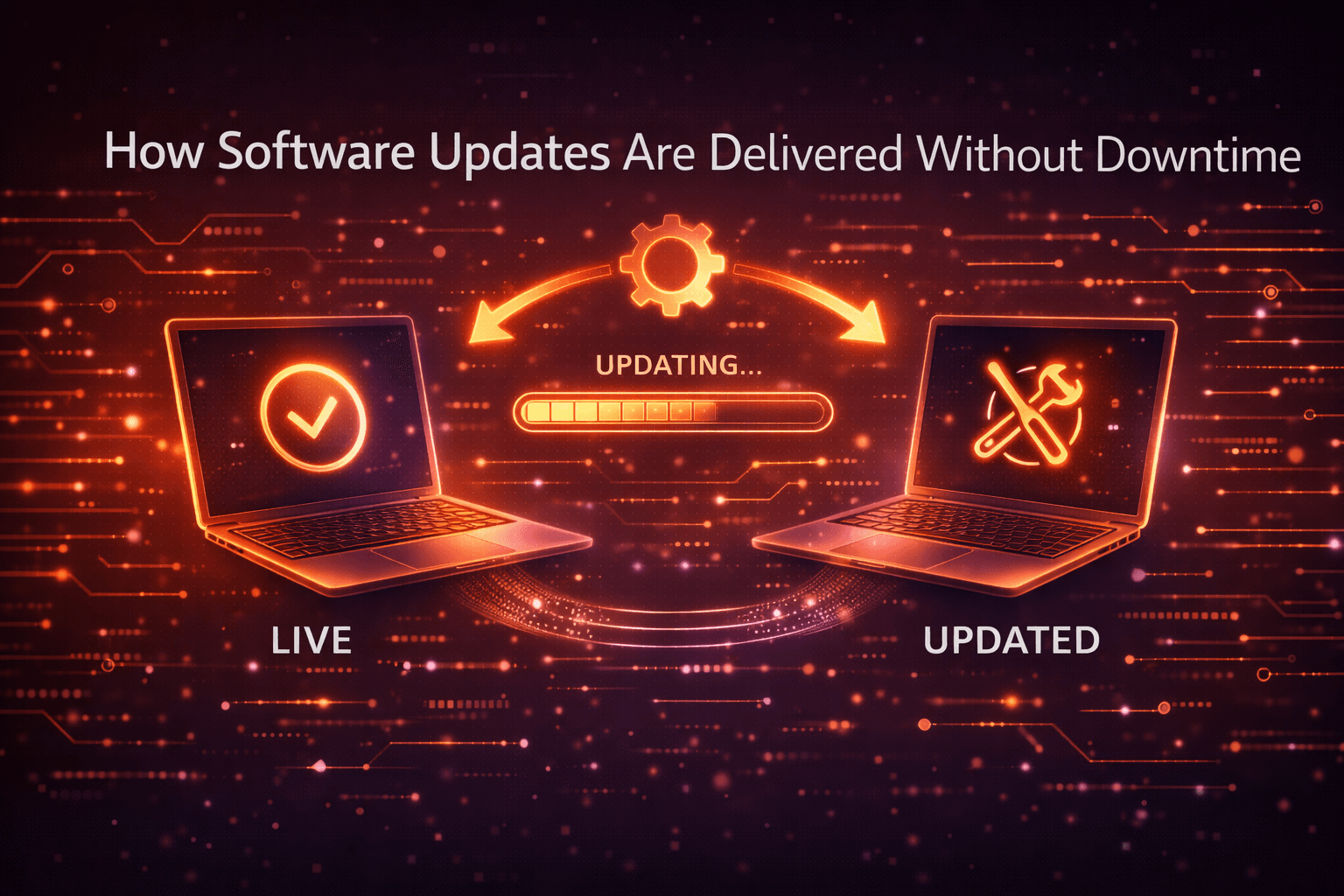
You refresh a web app, and there it is—a new feature. No outage. No maintenance page. No warning. From the user’s perspective, software just evolves in place. But from the inside, delivering updates without downtime is one of the hardest problems in modern software engineering.
Early in my career, I assumed “zero downtime” was mostly marketing talk. After working with real production systems—and watching a few painful outages unfold—I learned otherwise. Keeping systems online while changing the very code they run requires discipline, planning, and a deep understanding of failure.
This matters because expectations have changed. Users no longer tolerate downtime. Businesses lose revenue by the minute. APIs are chained together so tightly that one outage can ripple across entire ecosystems.
In this article, I’ll walk you through how software updates are delivered without downtime, what techniques actually work, where they fail, and what this means for developers, companies, and everyday users.
Background: From Maintenance Windows to Always-On Systems
The Old World: Planned Downtime Was Normal
Historically, downtime was expected. In the early days of enterprise software:
Updates happened quarterly or yearly
Systems ran on single servers
Maintenance windows were scheduled at night or on weekends
I still remember environments where teams proudly announced “only” four hours of downtime for a release. That was considered good.
But this model broke as software moved to the web.
Why Downtime Became Unacceptable
Several trends changed everything:
Global users: There is no “off-peak” hour anymore
SaaS business models: Downtime directly impacts revenue
Mobile apps & APIs: Constant connectivity is assumed
Competition: Users can switch instantly
What I discovered working with SaaS teams is that downtime isn’t just a technical issue—it’s a business failure. Even brief outages damage trust.
This pressure forced the industry to rethink how updates are delivered.
The Rise of Continuous Delivery
Instead of treating releases as big events, teams began shipping:
This shift laid the foundation for zero-downtime updates—but it also introduced new complexity.
Detailed Analysis: How Zero-Downtime Updates Actually Work
H3: The Core Idea—Never Update Everything at Once
At the heart of zero-downtime deployments is a simple rule:
Never change all running systems simultaneously.
Every technique you’ll read about is a variation of this principle.
H3: Load Balancers – The Traffic Directors
Load balancers are the unsung heroes of downtime-free updates.
They:
Sit in front of multiple servers
Distribute incoming traffic
Can route users away from unhealthy instances
In practice, this allows teams to:
Remove one server from traffic
Update it safely
Put it back
Repeat
After testing deployments without proper load balancer health checks, I learned quickly: misconfigured health checks are one of the fastest paths to accidental downtime.
H3: Rolling Deployments
Rolling deployments update servers one by one.
How it works:
Start with 10 servers
Take 1 out of rotation
Deploy the update
Verify health
Move to the next server
Why it works:
Limitations I’ve seen:
Rolling deployments are simple and widely used—but they’re not foolproof.
H3: Blue-Green Deployments
Blue-green deployments take isolation further.
Concept:
Traffic switches instantly from blue to green once ready.
Advantages:
Trade-offs:
In my experience, blue-green deployments shine for critical systems where rollback speed matters more than cost.
H3: Canary Releases
Canary deployments test updates on a small subset of users.
Process:
Release to 1–5% of traffic
Monitor errors, latency, behavior
Gradually increase exposure
This mirrors how coal miners once used canaries to detect danger early.
What I discovered after implementing canaries is that metrics matter more than logs. Without the right monitoring, canaries give a false sense of safety.
H3: Feature Flags – Deploying Code Without Turning It On
Feature flags decouple deployment from release.
They allow teams to:
Ship code that’s disabled by default
Enable features per user, region, or account
Instantly turn features off if issues arise
From experience, feature flags are powerful—but dangerous when unmanaged. I’ve seen systems crippled by thousands of forgotten flags.
H3: Database Migrations Without Downtime
Databases are often the hardest part.
Zero-downtime database changes rely on:
Backward-compatible schema changes
Expand-and-contract patterns
Multiple deployment phases
Example pattern:
Add new column (unused)
Update app to write to both old and new
Migrate data
Switch reads to new column
Remove old column later
This takes discipline—and patience.
H3: Stateless Services and Session Management
Stateless services make zero-downtime updates far easier.
Instead of storing sessions on servers:
When I tested stateful systems during rolling updates, session drops were almost guaranteed.
What This Means for You
For End Users
Fewer outages
Faster feature delivery
More stable experiences
Ironically, the better teams get at this, the less users notice—until something breaks.
For Developers
Zero-downtime updates require:
This changes how software is written, not just deployed.
For Businesses
Reduced revenue loss
Stronger customer trust
Faster iteration cycles
However, it also means higher infrastructure and engineering costs.
Expert Tips & Recommendations
How to Start with Zero-Downtime Deployments
Add proper health checks
Automate deployments early
Design APIs for backward compatibility
Use feature flags sparingly but intentionally
Invest in monitoring before scaling releases
Recommended Tools
Kubernetes (rolling updates, probes)
NGINX / HAProxy
LaunchDarkly or open-source feature flags
Prometheus & Grafana
CI/CD platforms (GitHub Actions, GitLab CI)
Pros and Cons of Zero-Downtime Updates
Pros
High availability
Faster innovation
Better user trust
Safer rollbacks
Cons
Zero downtime isn’t free—it’s an investment.
Frequently Asked Questions
1. Is zero downtime truly zero?
Not always. Brief latency spikes or partial failures can still occur.
2. Do all apps need zero-downtime deployments?
No. Internal tools or low-traffic apps may not justify the complexity.
3. What’s the biggest mistake teams make?
Ignoring database compatibility during updates.
4. Are microservices required?
No, but they make isolation and gradual rollout easier.
5. How do mobile apps handle updates?
Through backward-compatible APIs and phased client rollouts.
6. What happens when things go wrong?
Fast rollback, feature disabling, or traffic shifting limits damage.
Conclusion: Reliability Is Designed, Not Added Later
Software updates without downtime aren’t magic—they’re the result of deliberate design choices, operational maturity, and respect for failure.
After years of observing real systems, one lesson stands out: downtime is usually a symptom, not the disease. It reflects tight coupling, rushed releases, or missing safeguards.
The future points toward even more automation, smarter traffic routing, and AI-assisted monitoring. But the fundamentals won’t change. Teams that succeed will be those who treat deployment as a first-class engineering problem—not an afterthought.
Because in modern software, staying online isn’t a bonus feature. It’s the baseline.